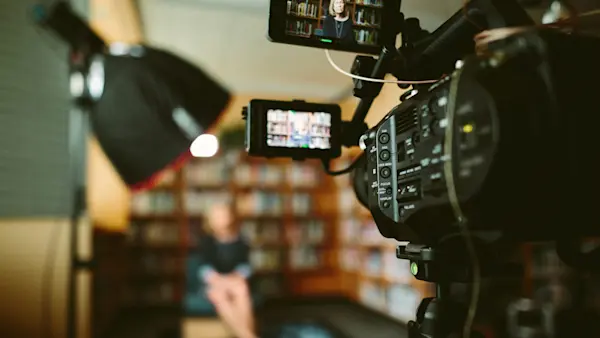
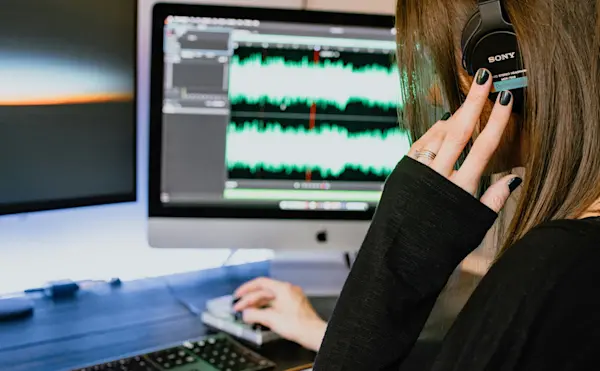
Elevate your course to a professional masterpiece with top-notch editing! 🎬
Editing Magic
Polish Out Mistakes: Clear away distracting filler words and ensure a smooth, engaging narrative. Your learners will appreciate the clarity and focus!
Enhance with Annotations: Use targeted notes to spotlight crucial concepts and keep students hooked. Avoid clutter—highlight only the key points.
Visual Appeal: Integrate images and graphics to reinforce learning. Ensure visuals are mobile-friendly for a seamless experience.
Dynamic Transitions: Keep your content lively with smooth transitions and B-roll. Avoid jarring gaps and make your course visually appealing.
Soundtrack Spark: Add music or sound effects to set the tone and energize your learners. Choose wisely to complement, not distract.
Editing Tools to Explore:
iMovie: Perfect for beginners on Mac.
Blender: Free and versatile for beginners.
Camtasia: Ideal for screencasts and editing.
Screenflow: Great for Mac users.
Adobe Premiere: Pro-level editing.
Final Cut Pro: Advanced editing for Mac users.
Transform your course with these editing tips and make it shine! 🌟