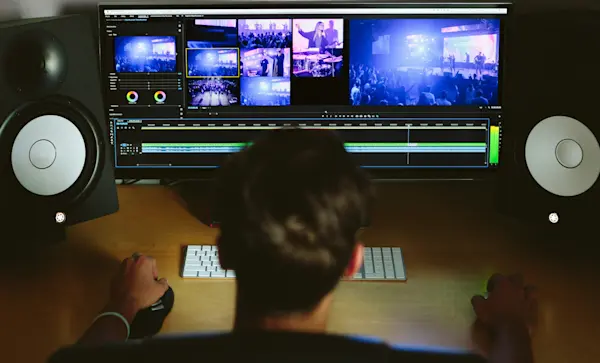
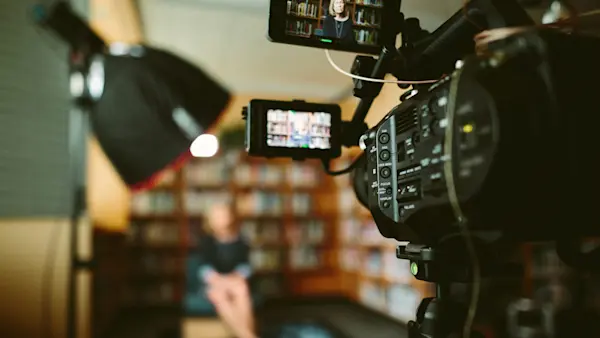
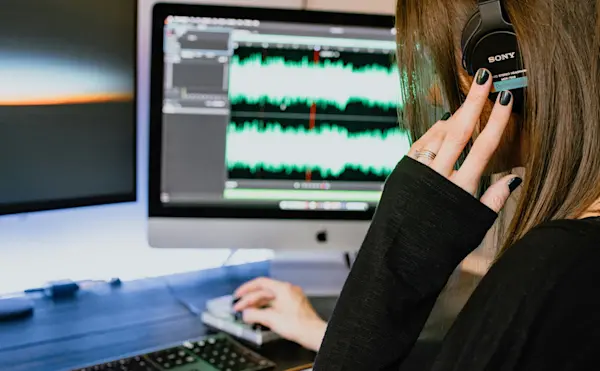
Transforming your space into an ideal recording studio is key to delivering top-notch courses. An excellent setup ensures that your learners experience crystal-clear audio and video, free from distractions. Here's how to set up your recording space without needing a professional studio.
Before You Begin
Different courses require different setups. For screen-based videos, record your screen with commentary. For live sessions, record yourself speaking or demonstrating a task. Edit these recordings to include relevant screenshots and visuals.
Select Your Recording Tools
Camera: Start with your computer or phone camera. Upgrade to a webcam or DSLR if needed.
Microphone: Invest in a high-quality external microphone. Avoid built-in mics, as they often pick up unwanted noise.
Screencast Software: Use tools like Quicktime Player or CamStudio for screen recordings.
Lighting: Begin with natural light. If needed, add supplemental lighting to brighten your setup.
Set Up Your Audio
Ensure your external microphone is correctly connected and set to stereo.
Adjust the microphone gain to avoid unwanted background noise.
Speak clearly, around 6-12 inches from the mic. Use a pop filter if necessary.
Configure Your Camera
Set your camera to 16:9 aspect ratio and a minimum of 720p resolution for HD quality.
For "talking head" videos, sit near a window for natural light. Avoid shadows by lighting yourself from the front.
Best Practices for Your Space
Prepare the Room: Use soundproofing materials or household items to reduce echo.
Clean Your Desktop: Keep your screen uncluttered to prevent distractions.
Camera Placement: Follow the rule of thirds. Position the camera at eye level for a natural look.
Ready to Record?
Connect with fellow instructors in our community for additional tips and support. With a well-prepared space, you'll deliver engaging and professional content that resonates with your learners.