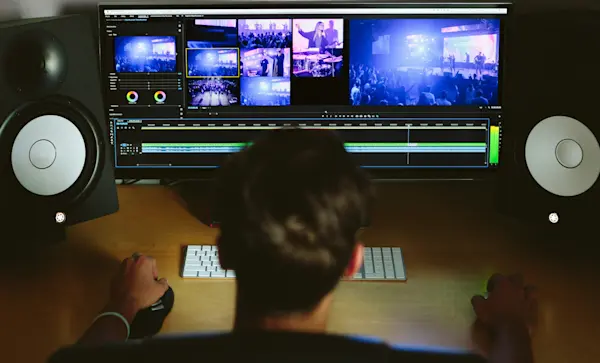
Before uploading your course videos to the Thkee platform, it’s crucial to ensure they’re exported in top-notch quality. Recording in HD is only half the battle—proper export settings are key to preserving that crisp, clear video.
Perfecting Your Export Settings
One common issue instructors face is blurry or pixelated videos, which usually happens when your computer compresses the video during export, reducing its quality. Even if your original footage is crystal clear, improper export settings can sabotage your hard work.
Be sure your video export settings are dialed in correctly. For Thkee, the recommended resolution is 720p HD or higher. Specifically, aim for a resolution of 1280 x 720 with an aspect ratio of 16:9 for that perfect widescreen view.
Resources to help troubleshoot video uploading issues
Learn how to troubleshoot common video upload issues.
Learn about why your video won’t finish processing.
Still Encountering Issues?
If you're running into problems exporting or uploading your videos in HD, don't worry! Reach out to fellow instructors—they might have faced the same challenges and can offer advice. And of course, our support team is always here to help guide you through the process.